

How to Find Reliable Public Charging Stations
Aug 18,2026
Finding a public charger that actually works still creates stress for many EV drivers. Apps show a station as available, yet the unit is broken or offline when you arrive. Networks remain fragmented and real-time status is not always accurate. At Parwatt I see this uncertainty keep drivers anxious on every longer trip.
Reliable public charging becomes predictable when drivers combine the right apps, community feedback, and simple filters. Aggregator tools with recent check-ins help avoid broken stations, while network apps provide live status and payment. In 2026 a small toolkit and a consistent workflow turn public charging from a source of worry into a routine part of driving.
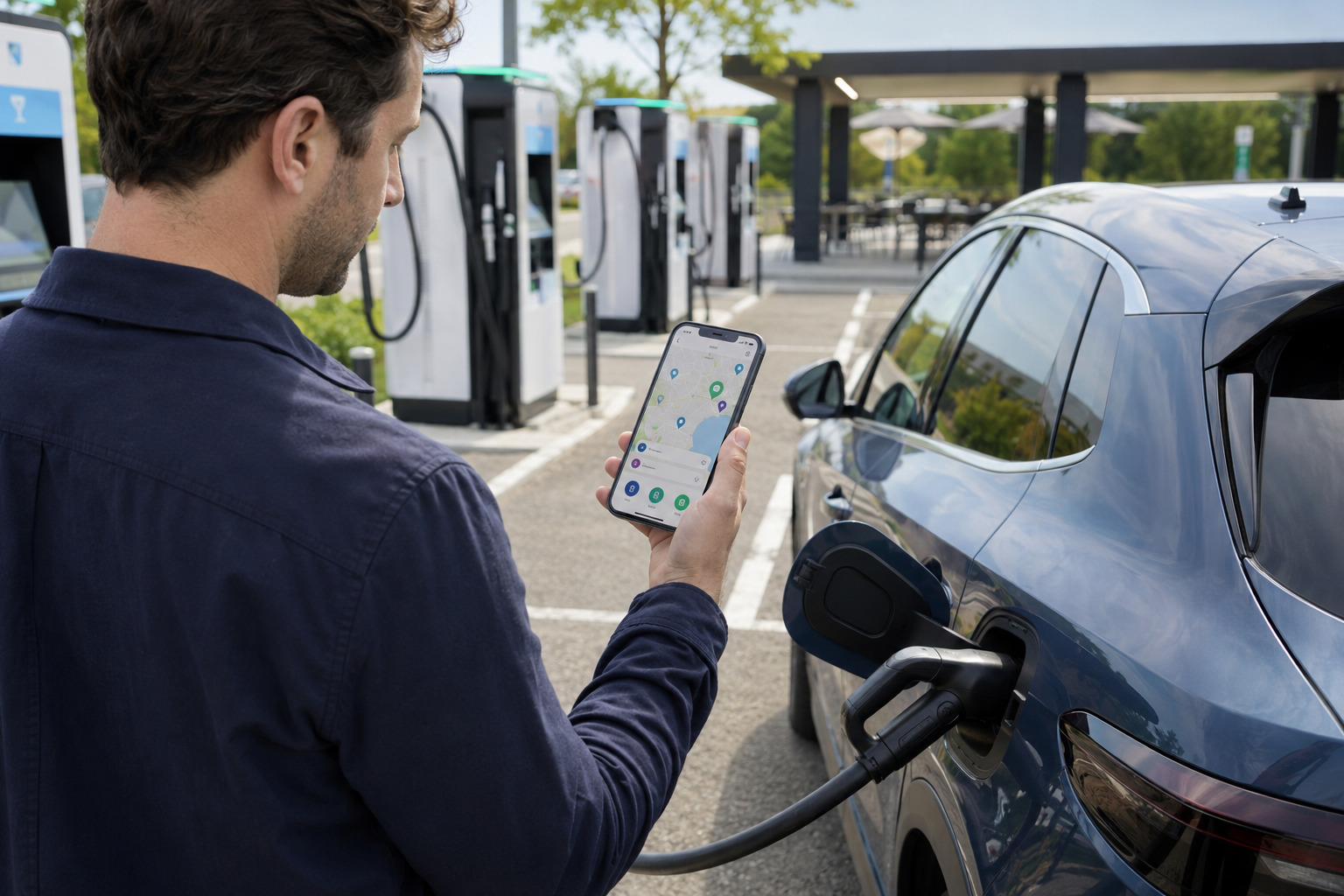
I have worked with charge point operators and drivers for years as general manager at Parwatt New Energy. We supply DC chargers and power modules built for public use, including the FES-D30 DC EV Charger and modular systems. I regularly hear from drivers who planned a stop only to find the charger offline, occupied by a failed session, or incompatible with their vehicle. Reliable hardware matters, yet drivers still need good information before they arrive. In this article I explain how to locate stations that work and how to build a simple routine that reduces surprises in 2026.
Why Finding a Working Charger Still Feels Stressful for Many EV Drivers?
Public charging information is better than it was several years ago, yet gaps remain. A station may appear available on a map while the cable is broken, the screen is frozen, or the unit has been offline for days. Different networks use different apps. Real-time data is inconsistent. Drivers on unfamiliar routes feel the pressure most strongly.
Finding a working public charger remains stressful because station status is not always accurate, networks are fragmented, and real-time information can lag. Drivers risk arriving at units that are broken, occupied by failed sessions, or incompatible with their vehicle.
The Everyday Friction Drivers Face
I have spoken with drivers who built extra time into every trip just to handle charging uncertainty. They arrive at a station marked “available,” only to discover the connector is damaged or the payment terminal will not respond. The next station is several miles away and the battery is already low.
Fragmentation adds to the problem. One network’s app shows its own stations clearly and may hide or de-emphasize others. An aggregator may list every station yet rely on older status data. Drivers end up switching between multiple tools while on the road.
Real-time accuracy varies. Some networks push live availability. Others update less frequently. Community reports can be hours or days old. When the information conflicts, drivers lose confidence.
Highway and unfamiliar urban routes intensify the stress. Local drivers learn which stations work and which to avoid. Visitors have no such knowledge and must rely entirely on apps and recent reports.
Here is a table that shows the main sources of stress:
| Stress Factor | What Drivers Experience | Practical Result | Who Feels It Most |
|---|---|---|---|
| Inaccurate status | Station shows available but is broken | Wasted time and range anxiety | All drivers, especially on trips |
| Network fragmentation | Multiple apps needed | Extra steps and confusion | Drivers who use several networks |
| Lagging real-time data | Status not current | Arrival at offline or blocked units | Highway and out-of-town drivers |
| Incompatible connectors or power | Wrong plug or too-slow charging | Session fails or takes too long | Drivers with specific vehicle requirements |
| Payment friction | Account not set up or card declined | Delay or abandoned session | New or infrequent public users |
This table reflects the complaints I hear most often. At Parwatt we focus on building reliable public hardware so the stations themselves stay online, but drivers still need accurate information before they commit to a stop. Our solutions in the EV Charger Category are designed for the uptime that reduces these failures at the source.
In 2026 the tools have improved, yet the stress has not disappeared. Drivers who treat every “available” icon as guaranteed still encounter problems. Those who verify status and use community feedback avoid most of the bad stops.
The Common Traps That Lead Drivers to Unreliable Stations
Several habits consistently lead drivers to stations that do not work well. They rely on only one network app. They ignore recent user reports and photos. They forget to filter by connector type and power level. They start driving without a charging plan. They arrive without payment accounts ready. These traps turn routine trips into stressful searches.
Common traps include depending on a single network app, skipping community check-ins and photos, failing to filter by connector and power, driving without a plan, and arriving without payment set up. These habits increase the chance of reaching an unreliable or incompatible station.
Habits That Create Problems
One frequent trap is staying inside a single network’s application. That app may give excellent live status for its own stations yet provide little or no reliable information about other networks. Drivers miss better options only a short distance away or, worse, navigate to a station that belongs to a different network and cannot be activated easily.
Another trap is treating the map icon as sufficient. Experienced drivers look for recent check-ins, written comments, and photos of the actual equipment. Stations with repeated recent complaints about broken cables, screens, or payment systems are routinely avoided. Drivers who skip this step discover the problems only after they arrive.
Filter neglect is common. A station may be listed as DC fast yet deliver only low power, or it may use a connector the vehicle does not support. Without setting preferred connector and minimum power filters, drivers waste time on incompatible units.
Lack of advance planning creates last-minute pressure. When the battery is already low, the driver has fewer alternatives and less time to cross-check information. Short local trips can tolerate some improvisation; longer trips cannot.
Payment readiness is often overlooked until the driver is standing at the charger. Accounts that were never completed, expired payment methods, or networks that require pre-registration turn a simple stop into a multi-step delay.
Here is a table of the main traps:
| Trap | Why It Happens | Result | Better Habit |
|---|---|---|---|
| Single-app reliance | Familiarity and convenience | Missed options or wrong network | Use aggregator + network apps |
| Ignoring community reports | Trust in official status only | Arrival at known problem stations | Check recent check-ins and photos |
| No connector/power filters | Default map view used | Incompatible or too-slow stations | Set filters before searching |
| No advance plan | Local confidence or haste | Low-battery scramble | Plan stops on longer drives |
| Payment not ready | Account setup postponed | Delay or failed session | Complete accounts in advance |
This table captures the patterns that lead to frustration. At Parwatt we build public chargers, including systems that use our 30kW Power Module and 40kW Power Module, for consistent performance, yet drivers still need good information habits to avoid the stations that are temporarily or chronically unreliable.
I have spoken with drivers who lost thirty or forty minutes because they trusted a single green icon and skipped the recent comments. A thirty-second check of community feedback would have sent them to a working station nearby. The traps are avoidable with consistent habits.
The Best Tools and Apps for Locating Public Chargers in 2026
No single application does everything perfectly. Drivers get the best results from a small set of complementary tools. Aggregator apps with strong community data excel at discovery and reliability checks. Network-specific apps provide live status and payment on their own systems. Official government maps offer broad, filterable coverage. Together they form a practical toolkit.
The most useful tools in 2026 are aggregator apps with community feedback for discovery and reliability, network apps for live status and payment, and official maps for comprehensive coverage. Using a small combination of these tools gives drivers both accuracy and breadth.
Core Tools and Their Strengths
Aggregator platforms that collect user check-ins, photos, and comments remain the strongest reliability filter. Drivers can see whether recent visitors successfully charged, whether cables or screens were damaged, and whether the station is generally well maintained. These reports often surface problems before official status updates do.
Network applications are essential once a driver selects a specific operator. They show live availability on that network, start and stop sessions, handle payment, and provide support contacts. Keeping the apps for the networks used most often avoids friction at the charger.
Official station locators maintained by government or joint-office sources provide authoritative lists of public Level 2 and DC fast stations. They usually include filters for access type, connector, and power and cover wide geographic areas. They are valuable for initial planning and for regions where commercial app coverage is thinner.
Route-planning tools that incorporate charging stops add another layer for longer trips. They estimate energy use, suggest charging locations based on range and preferred networks, and can be cross-checked against community and live-status data.
Here is an overview of the main tool types:
| Tool Type | Primary Strength | Best Use | Limitation |
|---|---|---|---|
| Community aggregator | Real-world reliability reports and photos | Checking whether a station actually works | Status may lag official systems |
| Network-specific app | Live availability and payment | Starting and paying for a session | Limited to one network’s stations |
| Official / government map | Broad, filterable coverage | Initial discovery and planning | Less community detail |
| Trip planner with charging | Integrated route and stop suggestions | Longer journeys | Still needs reliability verification |
This mix covers the main needs drivers face. At Parwatt we focus on the hardware side of reliability so that stations listed in these tools stay online and functional. Our public-oriented solutions, including the Battery Buffered Ultra Rapid EV Charger, are built for the continuous operation that makes the information in the apps trustworthy.
I recommend that drivers install one strong aggregator, the apps for the two or three networks they use most, and bookmark one official map. That small set handles nearly every situation without constant switching or information overload.
How to Spot Reliability: Real-Time Status, Community Feedback & Filters That Matter
Not every green icon represents a station worth visiting. Reliable drivers look for recent community check-ins, clear photos, consistent positive reports, and accurate connector and power information. Official real-time status is useful when it exists, yet community evidence often reveals problems earlier. Filters prevent wasted stops at incompatible units.
Reliability is best judged by combining recent community check-ins and photos with official real-time status where available. Filters for connector type and power level remove incompatible stations. Stations with repeated recent complaints are usually avoided even if they still show as available.
Signals That Separate Good Stations from Risky Ones
Recent check-ins are the strongest practical signal. A station that multiple drivers have used successfully in the past few hours or days is far more trustworthy than one with no recent activity or with repeated failure reports. Photos of the equipment help confirm that cables, screens, and connectors are intact.
Written comments add context. Drivers often note whether the station is slow, whether payment worked, whether the area is safe, or whether a particular stall is broken. Patterns in these comments are more useful than any single review.
Official real-time availability is valuable when the network provides it. It can show whether a stall is currently occupied or offline. However, it does not always capture partial failures such as a damaged cable on an otherwise “available” unit. Community reports fill that gap.
Filters matter before the reliability check even begins. Setting the correct connector type (CCS, NACS, or others) and a minimum power level removes stations that cannot serve the vehicle effectively. A 50 kW station may be listed as DC fast yet deliver an unacceptably slow session for a driver who needs higher power.
Here is a practical reliability checklist:
- Look for check-ins or reports from the last 24–48 hours.
- Read recent comments for repeated problems (cables, screens, payment).
- View photos when available to confirm physical condition.
- Confirm official real-time status if the network supplies it.
- Apply connector and minimum-power filters before choosing a station.
- Prefer stations with multiple positive recent reports over those with silence or complaints.
- Note whether the location has amenities or good access if that affects the stop.
At Parwatt we design public chargers for the uptime and durability that make positive check-ins more likely. Hardware reliability and good driver information reinforce each other. Additional background on charging systems is available in our article on Electric Vehicle Charging.
I have watched drivers skip a station that looked available on the network map because three recent comments described a broken cable. They continued a short distance to a station with fresh positive check-ins and completed the session without trouble. That small verification step is the difference between a smooth stop and an unnecessary delay.
A Practical Workflow for Finding and Using Reliable Stations Every Time
A consistent workflow removes most of the uncertainty. Drivers who plan ahead, cross-check sources, set filters, prepare payment accounts, and perform a quick confirmation on arrival experience far fewer failed stops. The same basic process works for daily local charging and for longer road trips, with only minor adjustments in depth.
A reliable workflow includes planning stops in advance, using an aggregator for reliability checks, confirming with network apps, applying connector and power filters, preparing payment accounts, and verifying status on arrival. This routine turns public charging into a predictable activity.
Step-by-Step Habits That Work
For everyday local use, keep preferred filters saved in the aggregator and network apps. When a charge is needed, open the aggregator, apply the filters, and scan recent check-ins for the nearest suitable stations. Switch to the network app for the chosen station to confirm live status and start the session.
For longer trips, plan the route and charging stops before departure. Use a trip planner to identify approximate locations, then verify each candidate in the aggregator for recent reliability reports. Confirm that the preferred network app is logged in and that payment methods are current. Build in a modest range buffer so a single problem station does not create anxiety.
On arrival, perform a quick visual and status check before committing. Confirm the connector is intact, the screen responds, and the stall is not blocked by a failed previous session. If anything looks wrong, move to the next planned option while range still allows it.
Keep accounts ready. Complete registration and add payment methods for the networks used most often so the process at the charger stays short. Store one backup payment method where the app allows it.
After the session, a brief check-in or note helps the next driver. Community data improves when users contribute.
Here is a practical workflow summary:
- Save preferred connector and power filters in the main apps.
- For local charging: check aggregator recent reports, then confirm in the network app.
- For road trips: plan stops in advance, cross-check reliability, and verify payment accounts.
- Carry a range buffer so one failed station is not critical.
- On arrival: quick visual and status confirmation before plugging in.
- Keep network accounts and payment methods current.
- Contribute a short check-in when the session ends.
- Adjust the plan if real-time conditions have changed.
At Parwatt we support the reliability side of this equation with hardware built for public duty cycles. Our power modules and complete chargers are selected by operators who need stations that stay online and match the information drivers see in their apps. Further reading on system choices appears in our comparison of AC vs DC EV Charging.
Drivers who adopt even a simplified version of this workflow report fewer surprises and lower stress. The tools already exist; the advantage comes from using them consistently rather than relying on a single green icon.
Conclusion
Reliable public charging is no longer a guessing game when drivers use the right combination of tools. At Parwatt we build chargers and power modules for the uptime that makes public stations trustworthy, yet accurate information remains essential for every driver. Aggregator apps with strong community feedback help avoid broken or poorly maintained stations, while network-specific apps deliver live status and seamless payment on the networks you use most. Pair these with official maps for broader coverage, filter carefully by connector and power, and cross-check recent check-ins before you arrive. A simple, consistent workflow—plan ahead, verify status, and keep one or two trusted apps ready—turns public charging from a source of anxiety into a predictable part of everyday driving.

--- END ---
Related Posts
Business Ideas

Business Ideas

Business Ideas

Business Ideas


